
Introduction#
This time, I would like to introduce a plugin that I found that is fully compatible with neovim and allows you to move around the screen in all directions like easymotion. This will definitely improve development efficiency!
How to use (when displaying all words)#
1#
Suppose the cursor is currently on line 25 and you want to jump to the word methods, which is after line 71 at the bottom of the screen.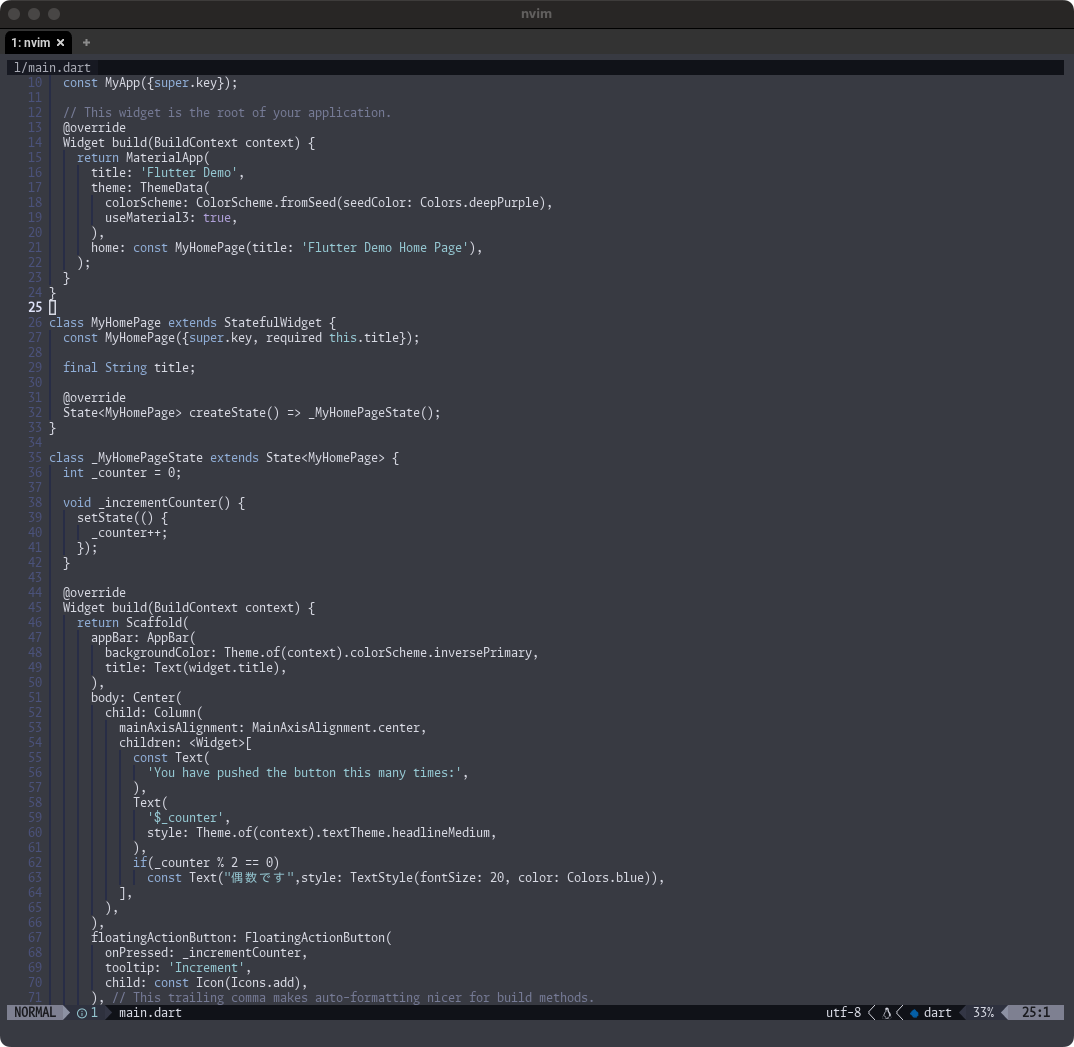
2#
When you call the command, binding will be assigned to all words, so this time enter jj.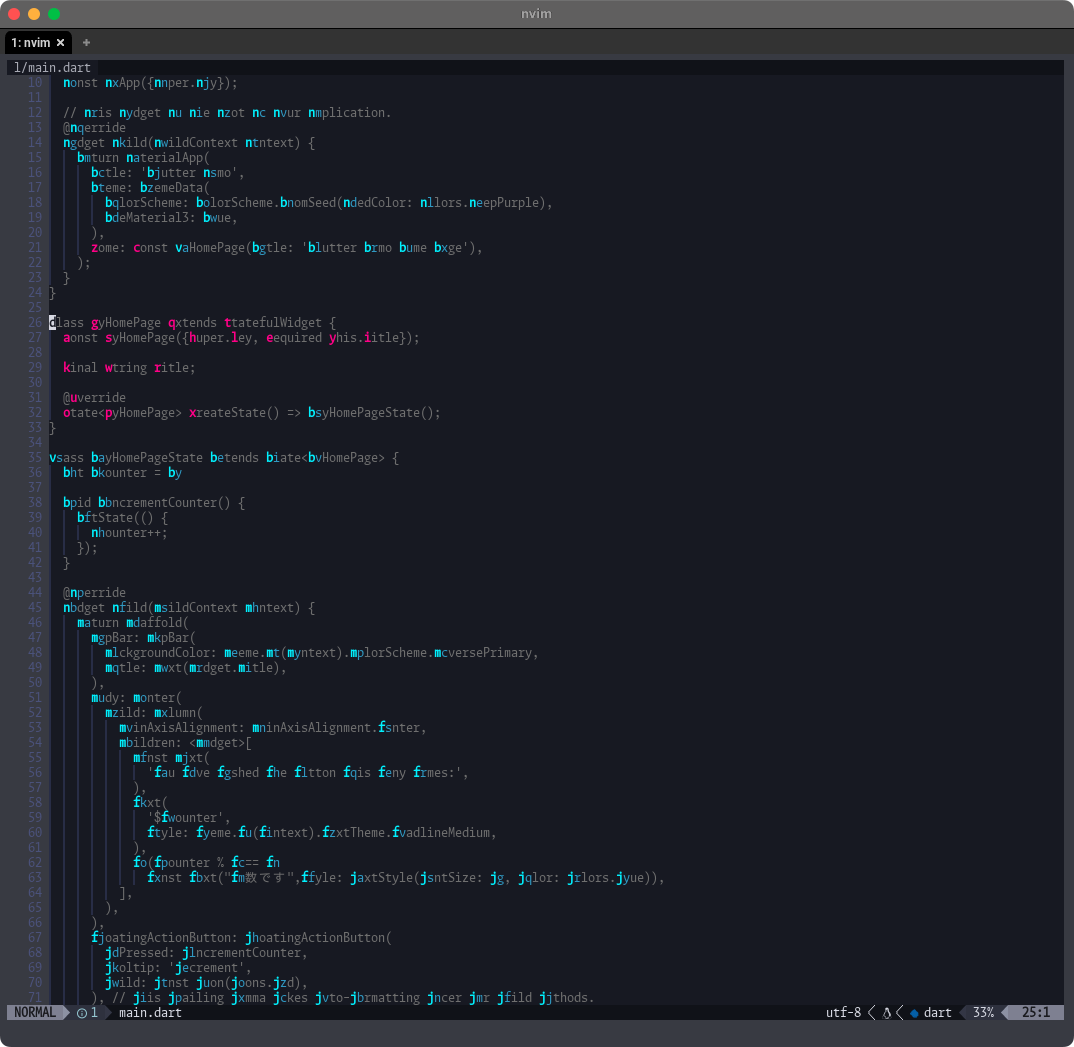
3#
Yes. I can now move!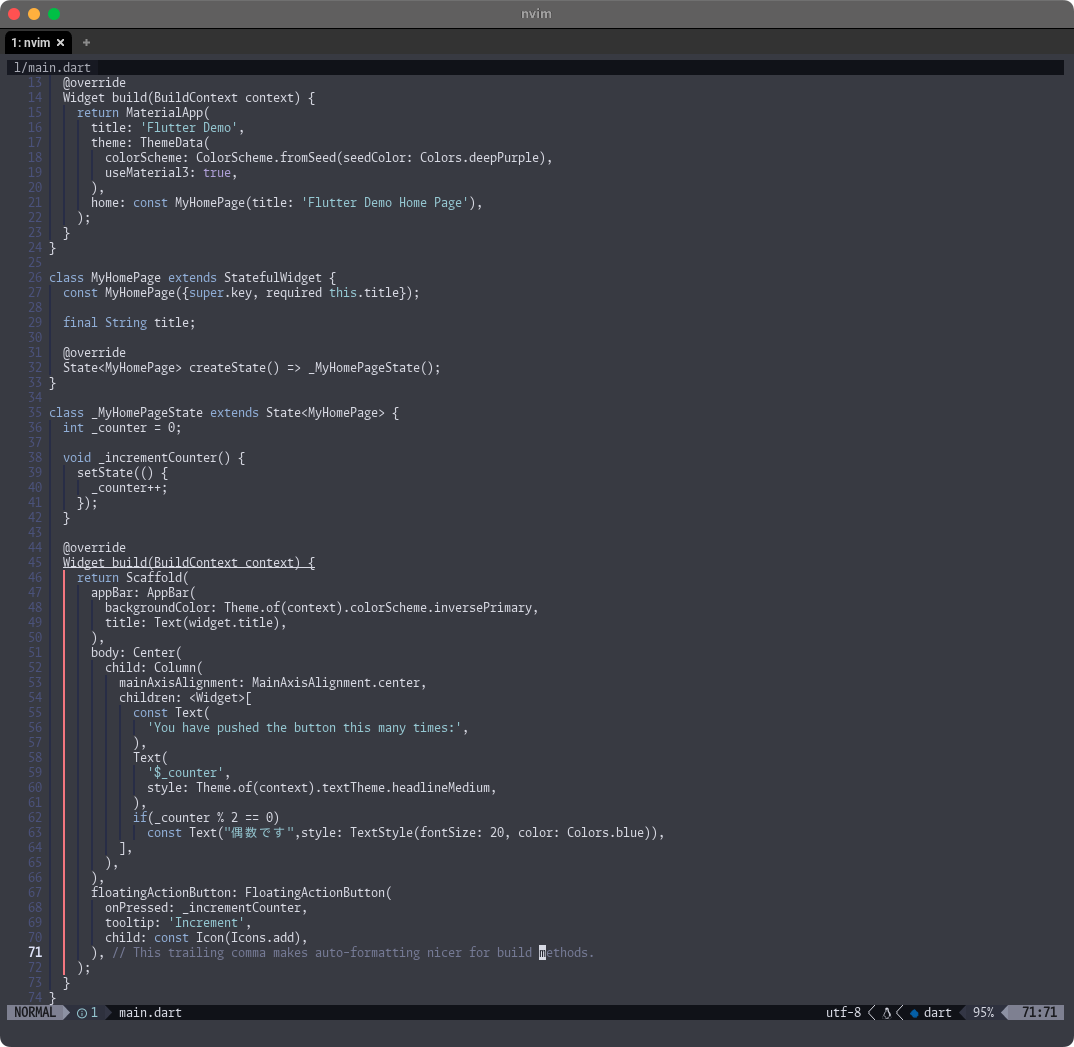
hop.nvim#
https://github.com/hadronized/hop.nvim
Easymotion was the only plug-in I knew about, so I used it for a long time, but I thought it was noisy because the buffer was rewritten, so the LSP reacted every time. hop.nvim seems to be a plugin implemented in the latest neovim based on the concept that UI plugins should not make changes to existing buffers to solve this problem. It’s the best.
Installation method#
Same as me, in case of lazy.nvim
return {
  "phaazon/hop.nvim",
  branch = "v2",
  config = function()
    require("hop").setup {
      multi_windows = true,
    }
  end,
  keys = {
    {mode = "", "<leader>s", "<cmd>HopChar<CR>", desc = "説明"},
  }
}
You can install and configure. multi_windows is a setting that allows all windows to be searched when several windows are expanded. There were various other setting items, but basically there didn’t seem to be much to change from the defaults.
Feature introduction#
I would like to introduce three commands that I personally find particularly useful.
:HopWordYou can move to where all the words in the buffer are:HopChar2You can search and move by specifying two characters.:HopPatternYou can search in the same way as / in vim. In the standard version, you can only move one by one, but with this one, you can instantly jump to any location from the hit target.
I think it would be quite convenient if you set this area as a key binding.